The Best
Keyless Roblox
Executor
Madium Executor is the best Roblox exploit that offers a 96% UNC success rate and is completely keyless. Use it without needing to get a key every time — no surveys, no subscriptions.
Everything You Need
Built Right In
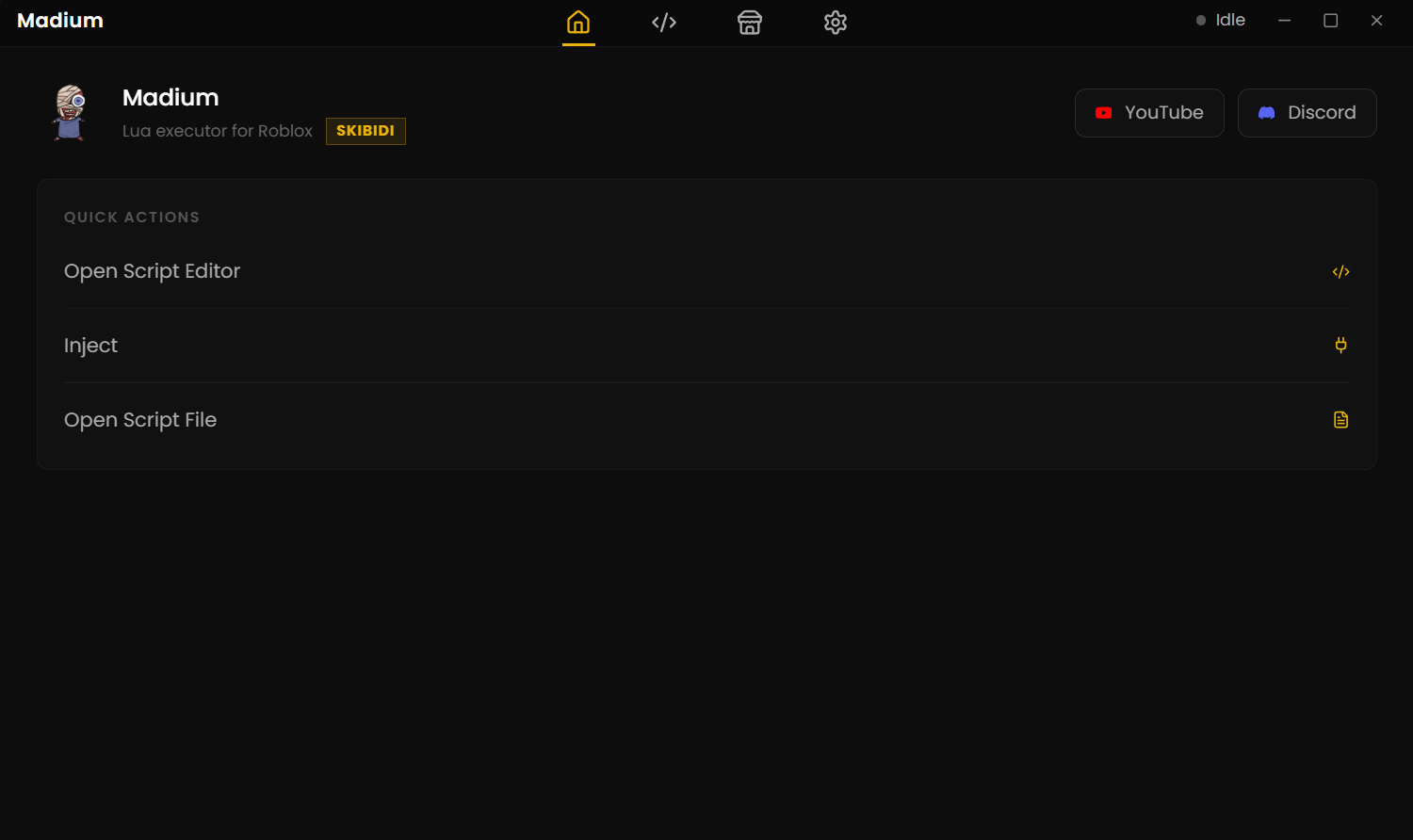
The Madium user interface is simple and easy to understand, packed with powerful features for Roblox scripting.
Script Editor
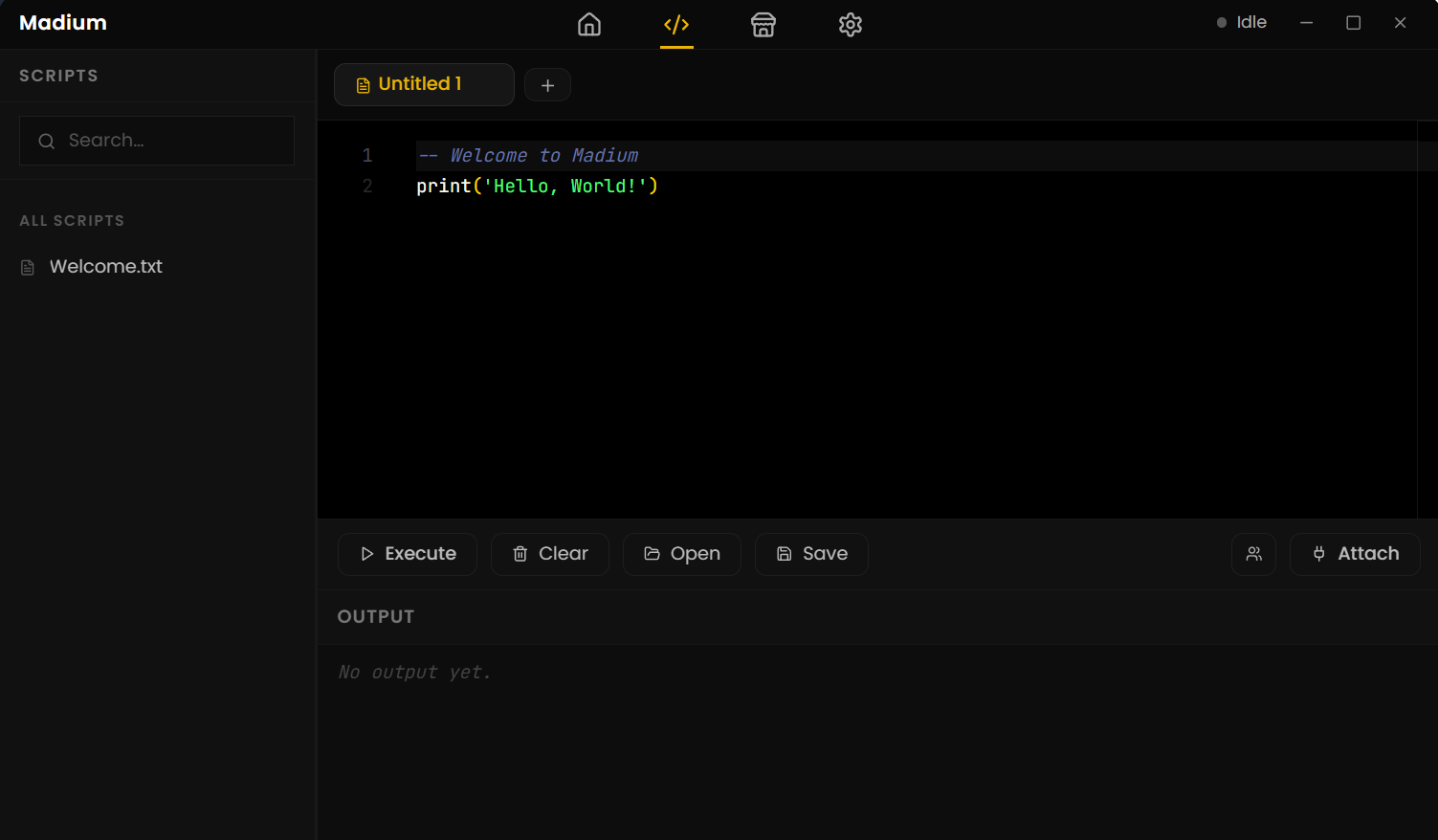
Once you open Madium, you'll see the script editor area where you can add your game scripts and then use the buttons below for executing scripts or attaching Madium to Roblox.
Built-In Script Hub
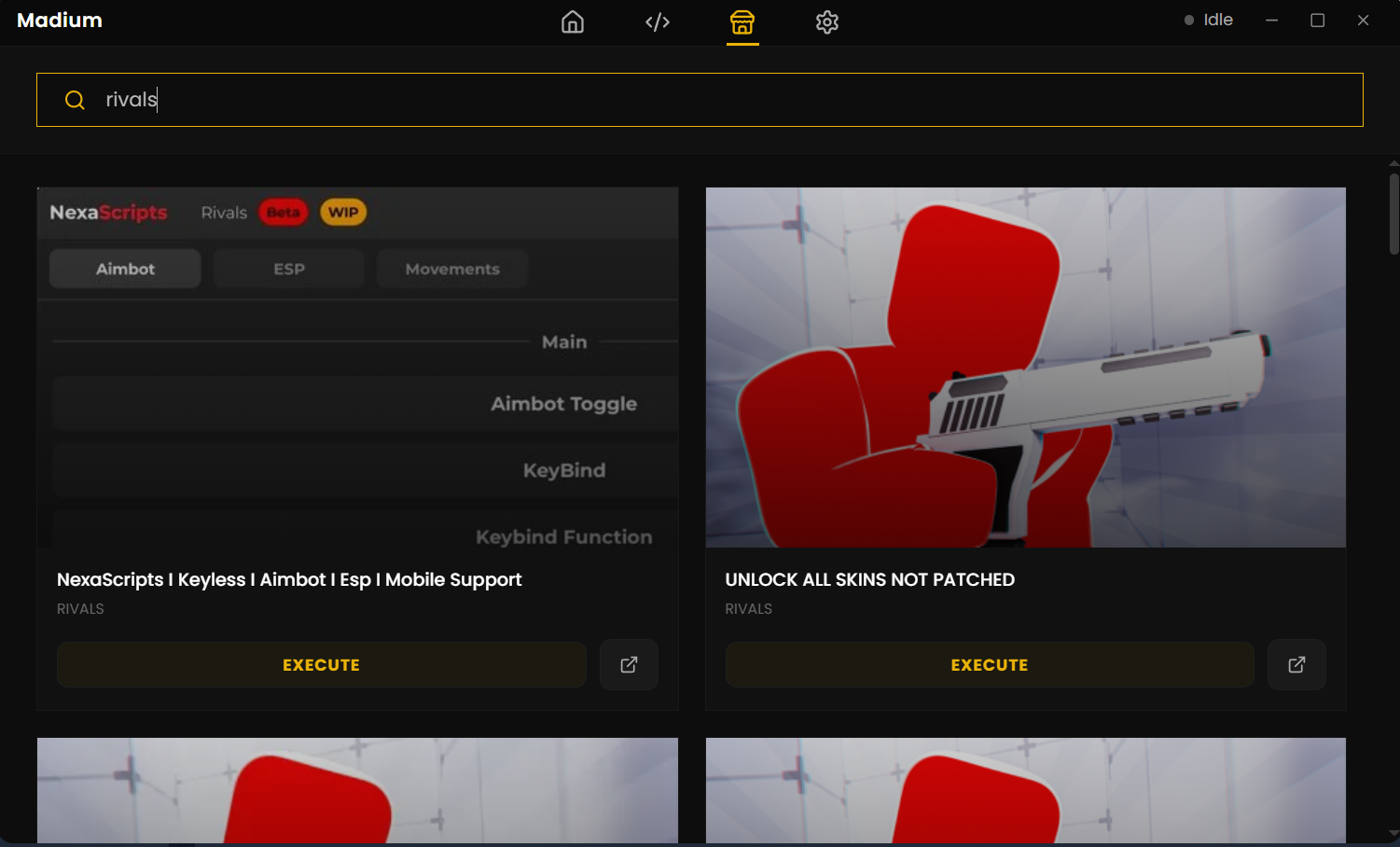
Besides the script editor, you also get a complete Script Hub section with many built-in scripts to use in-game. No need to explore scripts online — just use what's already included.
Completely Keyless
No surveys, no download gates, no monthly keys. Madium was built to eliminate the need for paid or key-locked executors so all Roblox players can script freely.
Custom Settings
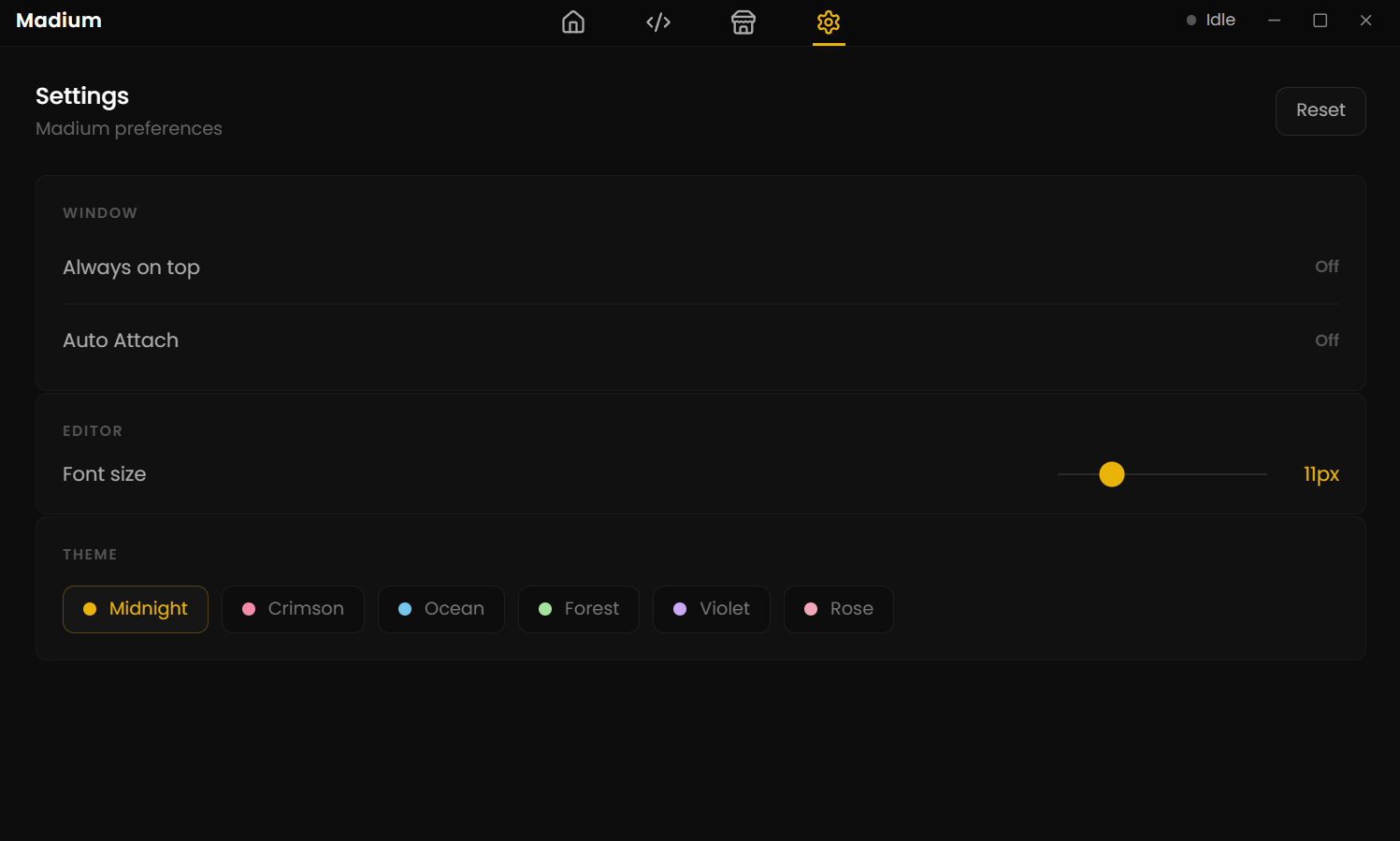
Beyond scripting, you get extra features such as Auto Attach, custom color themes (Midnight, Crimson, Ocean, Forest, Violet, Rose), Infinite Yield, and much more.
96% UNC Success Rate
Madium passed the UNC test with a 96% success score, meaning it can run almost all scripts available online — making it one of the most compatible free executors.
Vulnerability Tested
Madium has passed vulnerability scan tests, confirming it is safe to use. You can also independently verify this by running your own VirusTotal scans for extra peace of mind.
See Madium in Action
A clean, modern dark interface designed for ease of use.
Watch the Full Demo
See Madium Executor in action — installation, injection, and scripting made easy.
How to Install
Madium Executor
It's very easy to install, just like other simple Roblox exploits. Follow these steps:
Important: Close Roblox completely before installing Madium Executor — running Roblox during installation can cause conflicts.
Download & Extract
Download the Madium Executor ZIP file from the download button and extract it to any folder of your choice.
Run the Launcher
Open the madium launcher.exe file and let it download the necessary files and complete the setup automatically.
Close Roblox First
Make sure Roblox is completely closed before installation. Installing while Roblox is open can cause conflicts — keep everything closed during setup.
Start Scripting
After successful installation, open Roblox, attach Madium to your game, and start scripting without any issues.
PC Requirements
Like other executors, Madium requires very minimal computer specifications. If your PC can run Roblox without any issue, it will also run Madium without any problems.
| Component | Minimum Requirement |
|---|---|
| Platform | Windows 10, Windows 11 |
| RAM | 2 GB |
| Processor | 1.5 GHz |
| Graphics Card | DirectX Compatible |
Benchmark
Test Results
To check the capability of Madium Executor, the following tests were conducted and the results speak for themselves.
Madium is also a good executor when compared to alternatives like Velocity or Xeno, offering higher compatibility with a completely free and keyless experience.
Frequently Asked Questions
Everything you need to know about Madium Executor.